


Family movie nights don’t need fancy home theaters or expensive subscriptions. With just a mobile phone and a bit of preparation, you can transform any space—your living room, backyard, or even a tent—into a mini cinema. Whether you’re on vacation or at home, mobile setups offer unmatched flexibility. You can choose the movie, the screen, the seating, and even the snacks. All it takes is the right tools and a few smart tweaks. Let’s walk through everything you need to know to set up fun, cozy, and unforgettable movie nights using just your mobile device.
What Do You Need for a Mobile Family Movie Night?
Choose the Right Mobile Device and Accessories
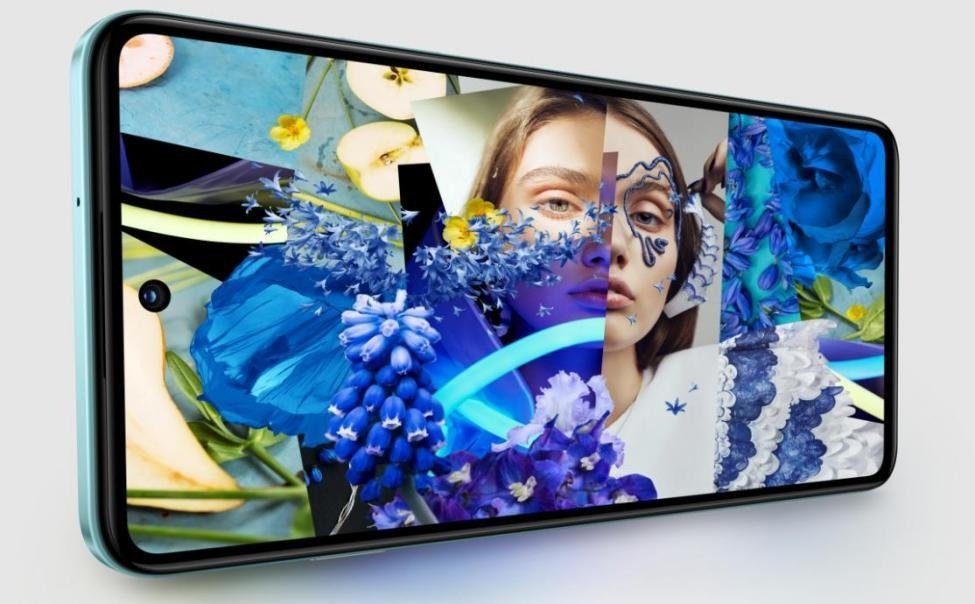
Start with a smartphone that offers a high-resolution screen and decent battery life. Devices with OLED or AMOLED displays provide better contrast and vibrant colors, perfect for movie viewing. Add wireless headphones or Bluetooth speakers to enhance the sound, especially when outdoors. A stable phone stand or a tripod will keep the screen steady. For longer sessions, power banks or charging cables ensure the movie doesn’t get interrupted. Consider investing in a screen magnifier or clip-on lenses for better viewing. All these accessories improve both comfort and quality, making the experience enjoyable for every family member.
Download the Best Streaming Apps
Streaming apps bring a wide variety of content to your fingertips. Install popular apps like Netflix for the latest family-friendly options. Free apps offer great selections without costing anything. Some apps allow downloads for offline viewing—perfect for areas with poor internet. If you’re using a Huawei device, searching for “Netflix download huawei” can help you find the correct installation method, especially if the Play Store isn’t available. Always check the app’s parental controls and content filters before letting kids explore. Creating separate user profiles can help tailor recommendations. With the right combination of apps, you’ll have access to an endless library of movies suitable for all age groups.
Ensure Stable Internet and Power Backup
Buffering ruins the magic of movie night. If you’re indoors, connect to a strong Wi-Fi signal and avoid network-heavy tasks like large file downloads. Outdoors, use mobile data or a portable Wi-Fi hotspot with enough bandwidth. Ensure your data plan supports streaming without throttling. For longer viewings, pack a fully charged power bank (at least 10,000mAh) or a solar charger if you’re off-grid. Plug into power whenever possible to avoid mid-movie shutdowns. With reliable internet and backup power, you can relax and focus on the fun instead of worrying about sudden disruptions.
How to Create the Perfect Viewing Setup Anywhere?
Cast to a Bigger Screen or Use a Projector
A bigger screen makes the experience feel more immersive. Use HDMI adapters to cast your mobile screen to a TV. Many smart TVs allow wireless casting directly through built-in apps. Alternatively, use portable projectors compatible with smartphones via USB-C or wireless connections. Some mini projectors have built-in speakers and can run on battery power—ideal for backyard or campsite use. Place the projector about 5 to 8 feet from a blank wall or white screen. Adjust the focus manually if needed. Whether you’re indoors or outdoors, this simple setup can make your mobile movie night feel like a cinema experience.
Set Up a Comfortable Viewing Environment
Comfort is key for family movie nights. Lay out pillows, blankets, or foldable chairs depending on your space. Indoors, dim the lights or use string lights for ambiance. Outdoors, set up on a dry, level surface and bring insect repellent if needed. Keep snacks and drinks within reach to minimize interruptions. If you have small kids, make sure they’re seated close enough to see and hear clearly. Create a cozy corner that invites everyone to relax and focus. The more inviting the setup, the longer everyone stays engaged—and the more enjoyable the night becomes.
Optimize Picture and Sound Settings
Before hitting play, tweak your device’s screen brightness, contrast, and color settings to match the lighting in your space. Use “cinema” or “movie” presets if available. Turn off blue light filters to avoid dull colors. For audio, connect your phone to external Bluetooth speakers for louder, clearer sound. Place the speakers near the center for balanced output. Some apps also allow audio enhancements—explore those options. Reduce background noise by closing windows or choosing a quiet spot. With just a few adjustments, you can maximize both picture and sound, creating a rich and immersive experience even from a simple mobile device.
Conclusion
Setting up a mobile family movie night is easier than it seems. With the right mobile device, streaming apps, and a few essential accessories, you can enjoy cinematic fun from virtually anywhere. Casting to a TV or using a projector makes the experience even more special, while a cozy setup ensures comfort for everyone. Don’t forget to optimize your settings and prepare a stable internet connection to avoid disruptions. These small steps make a big difference. Whether you’re indoors or under the stars, movie night can be magical—all you need is a little planning and your phone.